AI Powered Tools • Quality Center • DTF Transfers

Modern DTF ordering with UploadStudio.

Let customers order in two easy ways: upload by size or build a gang sheet. UploadStudio includes an AI image generator, Edit Image with AI, background removal, halftone shadows, transparent pixel removal, upscale quality, and print-ready gang sheets on the backend.

300 DPIBest Resolution
AIImage Generator
Code 128Barcode Scanning
AutoGang Sheet Layout
Pricing plan

Flexible pricing plans

Affordable and customizable pricing plans tailored to every print shop. Plans are pulled live from the UploadStudio master license system.

Shopify
UploadStudio gang sheet builder interface

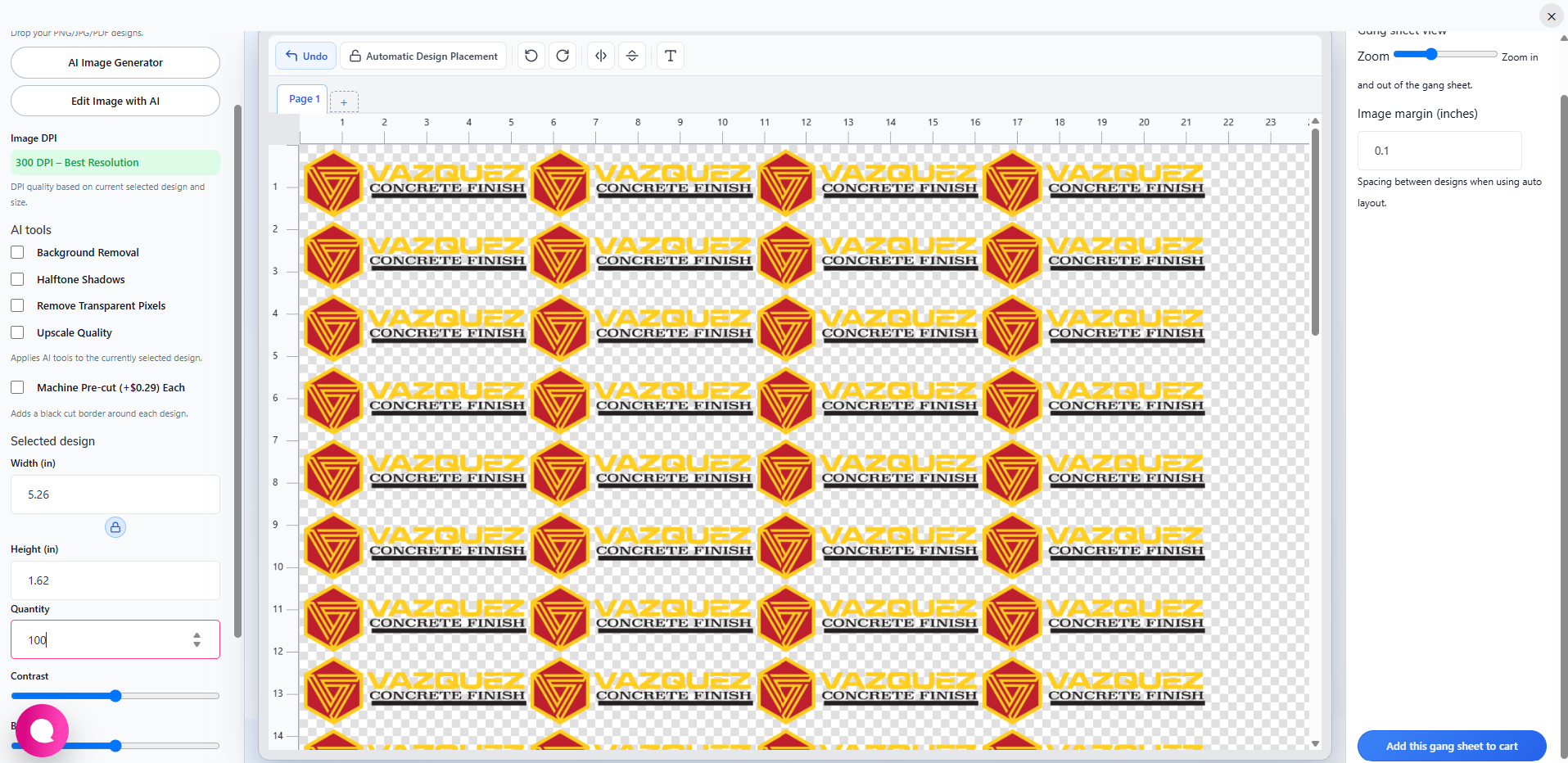
Gang Sheet Builder

Customers can place designs on a gang sheet, adjust quantity, zoom, set image margin, and add the finished gang sheet to cart.

Automatic Design Placement
Page view with inch rulers and transparent canvas
Width, height, quantity, contrast and brightness controls
Background Removal, Halftone Shadows, Remove Transparent Pixels, and Upscale Quality

Open Gang Sheet Builder

AI Powered Tools Quality Center

Give customers built-in design help before checkout.

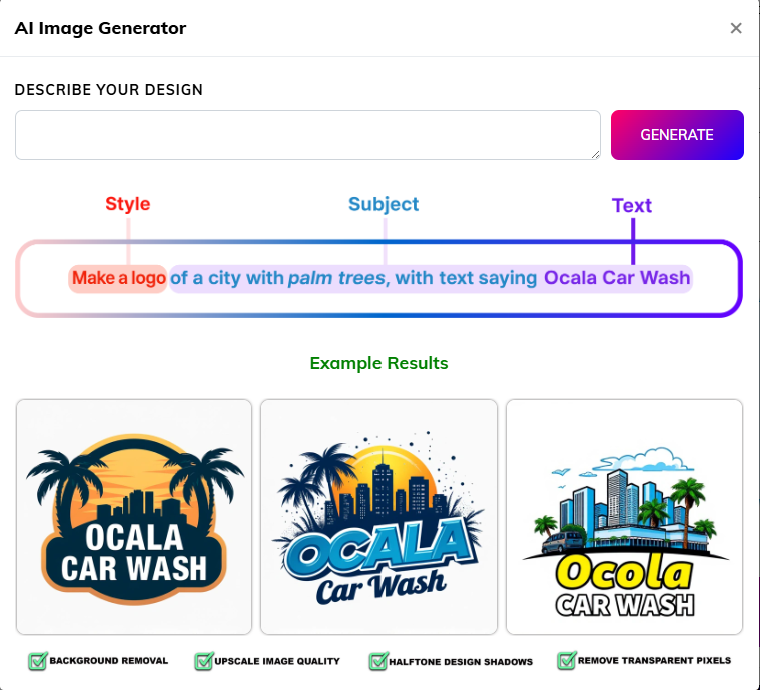
AI Image Generator

AI Image Generator

Describe a design with style, subject, and text, then generate it.
Edit Image with AI

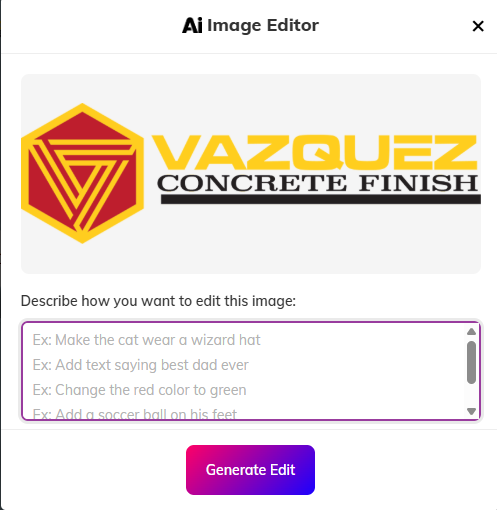
Edit Image with AI

Change colors, add text, or make design changes using AI.
Quality Center

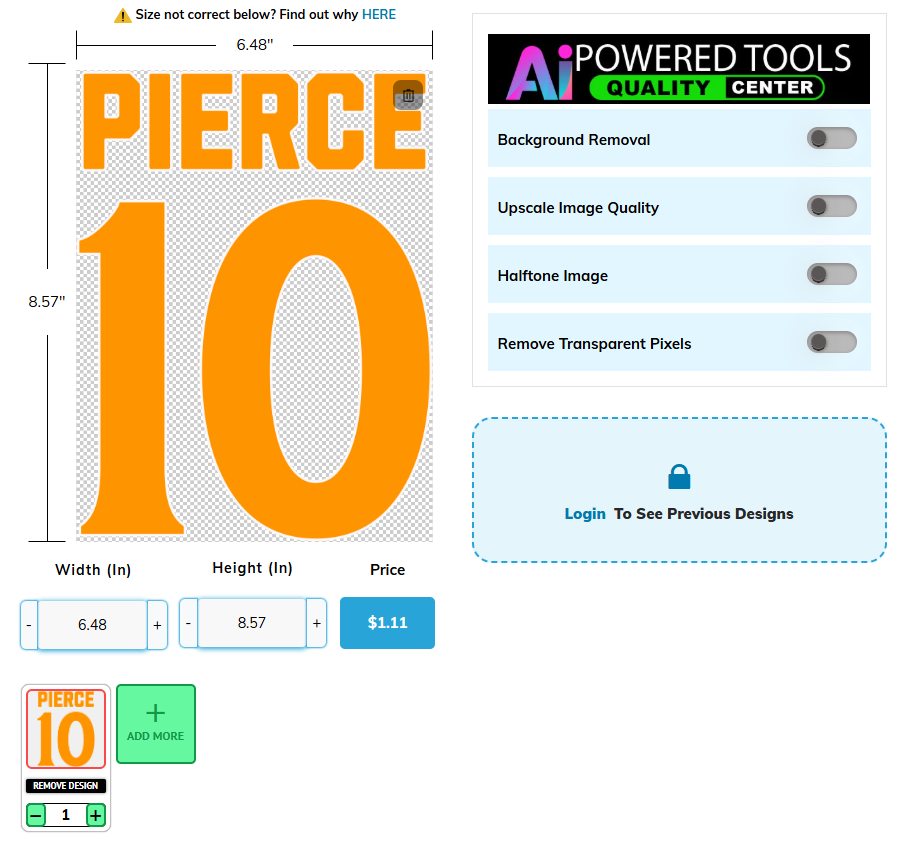
Quality Center

Toggle background removal, upscale, halftone, and transparent-pixel cleanup.

DTF Transfers By Size

Customers upload designs, choose sizes and quantities, and receive a print-ready gang sheet on the backend.
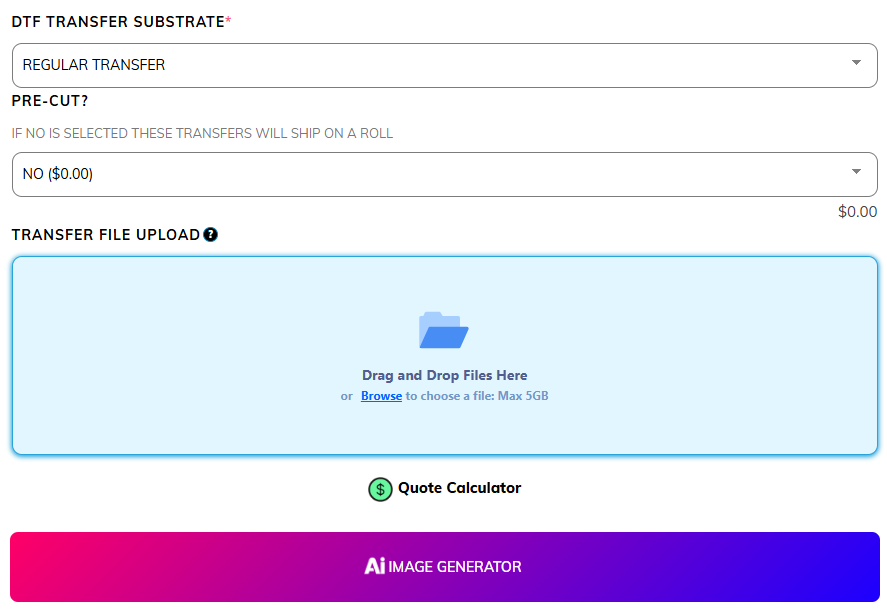
Drag and drop transfer file upload
Quote Calculator and price display
Multiple designs with width, height, quantity, and price
Customer design library

Open Upload By Size

Transfer upload section
AI tools
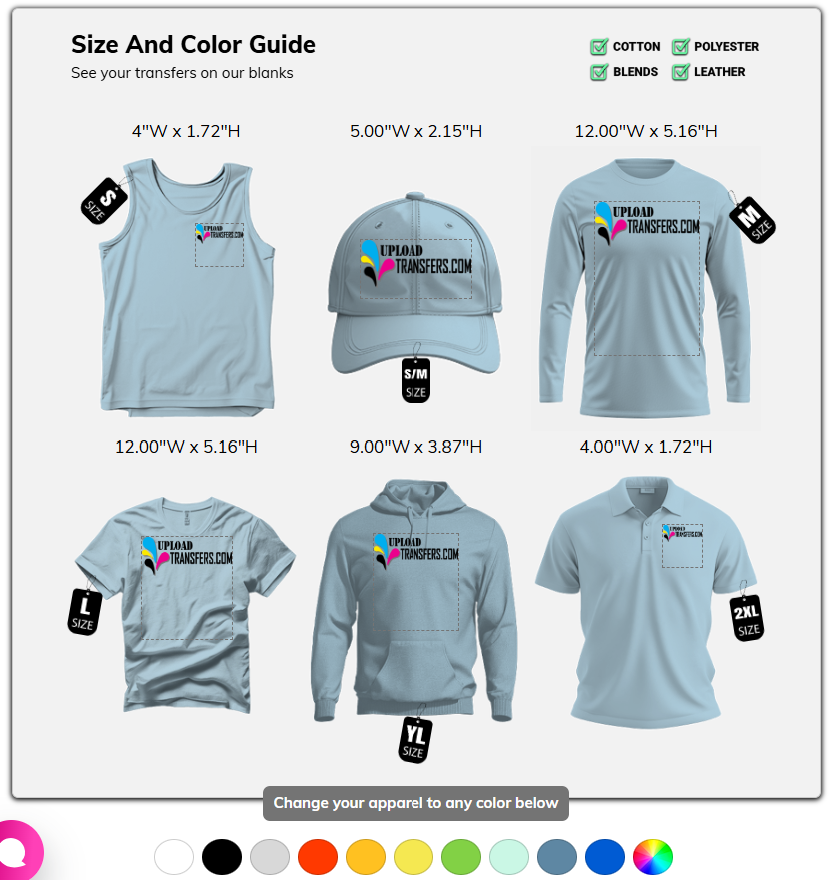
Size and color guide

Size And Color Guide

Show customers their transfers on blanks across sizes and colors.

Fabric compatibility indicators
Small through 2XL visual previews
Color swatches for apparel preview

Barcode Scanning

Keep track of orders you send out with Code 128 barcode scanning.

Barcode field with scan action
Code 128 support
Production and shipping workflow tracking
Barcode scanning
Are you ready?

Experience the Difference of UploadStudio

Let’s Get Started with UploadStudio